
How do I design a beautiful wedding website?
These tips and tricks will help you create a beautiful website for your wedding.
Here’s what you need for an appealing wedding website:
For your website to look appealing, these elements need to work well together:
When these all fit together, you get a harmonious overall look.
Ideally, you’ll also match your invitations and your website, so that everything feels like it’s “all of a piece”.
Follow these steps to create a beautiful wedding website in just a few minutes:
1. Choose beautiful photos
Many couples decide to do a photo shoot with a professional photographer before designing their wedding invitations and their website.
A good camera and a good eye for composition can really help here, creating wonderful memories you’ll love looking back on long after the wedding.
Not much money to spare? Then why not ask a friend with a good camera whether they’d take some pictures of you? Or a good smartphone camera with portrait mode can take lovely photos these days too.
For your website, we recommend gathering these photos:
- 1–3 landscape photos of the two of you for the title / header of your website
- 3–6 more photos of the two of you, a mix of portrait and landscape
2. Pick your colors
When it comes to colors, less is more. Keep it simple – one base color and one accent color, for example.
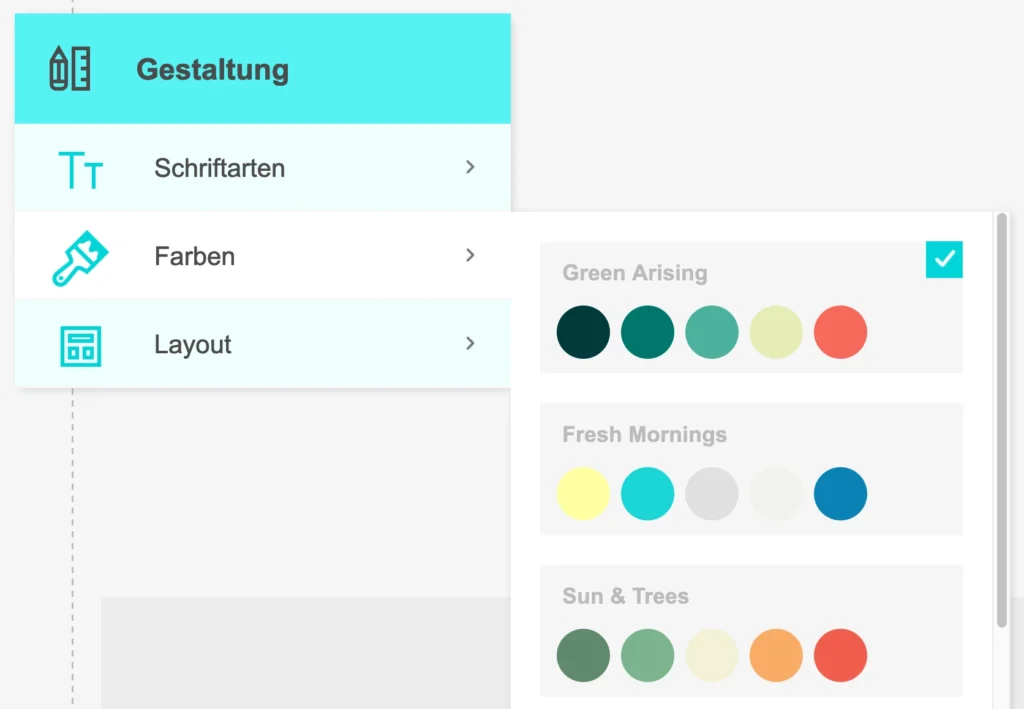
On Crazy in Love, you can choose from various color schemes made up of colors that go well together. You’ll find them in the “Design” menu:
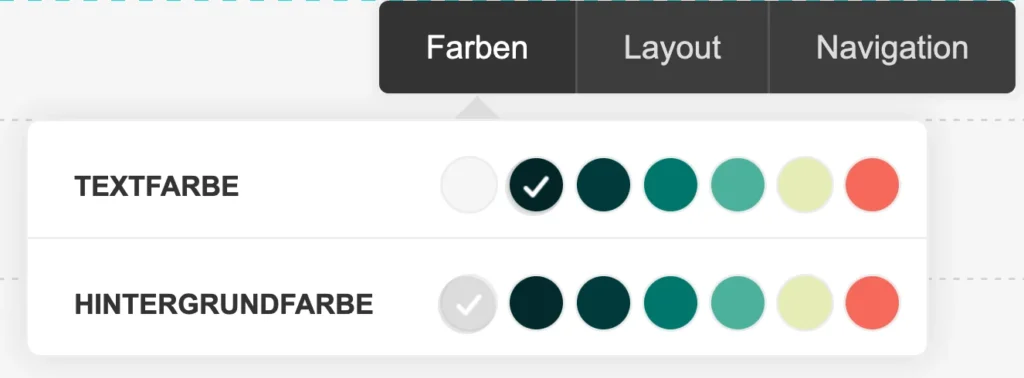
Want to define your own colors? Just send the hex color codes you’d like to our support team. You can set up to seven different colors, which you can then pick from your color palette:
Choose colors that go with your photos
What matters is that your color palette goes well with your photos. With a tool like Adobe Color (https://color.adobe.com/create/image), you can easily generate a color palette from your header image:

On top of that, it helps to use two basic colors such as white / beige and black / dark gray.
3. Choose your fonts
Here too, less is more. It often works well to choose a simple, easy-to-read font for text sections and a slightly more special one for the headings. Make sure they’re always easy to read, so all your guests can find their way around easily.
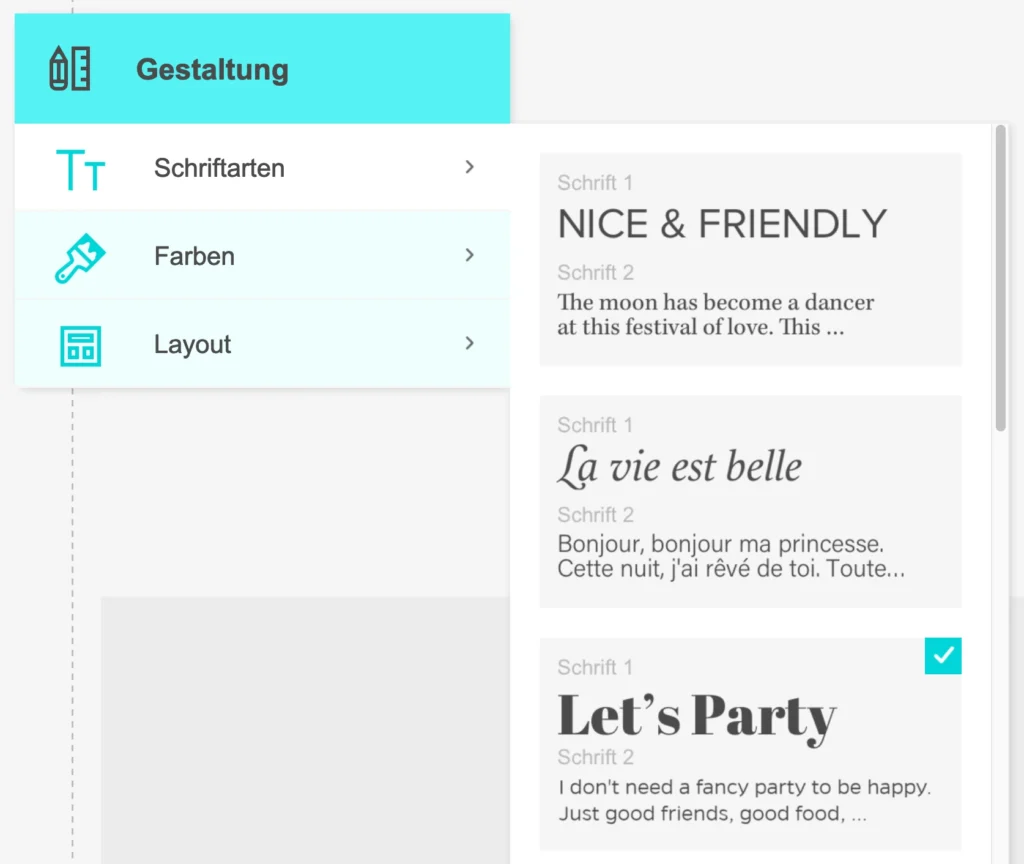
On Crazy in Love, you can choose from font combinations that go well together in the “Design” menu:
Alternatively, get in touch with our support team if you’d like to use your own fonts from the Google Fonts catalog. These fonts are free for you to use under their license.
Crazy in Love – your simple wedding website with no hidden costs
With these tips, you can put together your wedding website in a few easy steps with Crazy in Love, our platform for wedding websites. You’re welcome to try out every feature for 20 days, without entering any credit card details:
After that, you can activate your website with a one-off payment – no subscription needed!
📼 Prefer videos? Check out our 3-minute guide “Create a wedding website in just a few minutes”.
Got questions about making your wedding website look great?
Then get in touch with us via our contact form.
Acknowledgments
Thanks to Jéssica Oliveira on Unsplash for the lovely photo of the couple.